

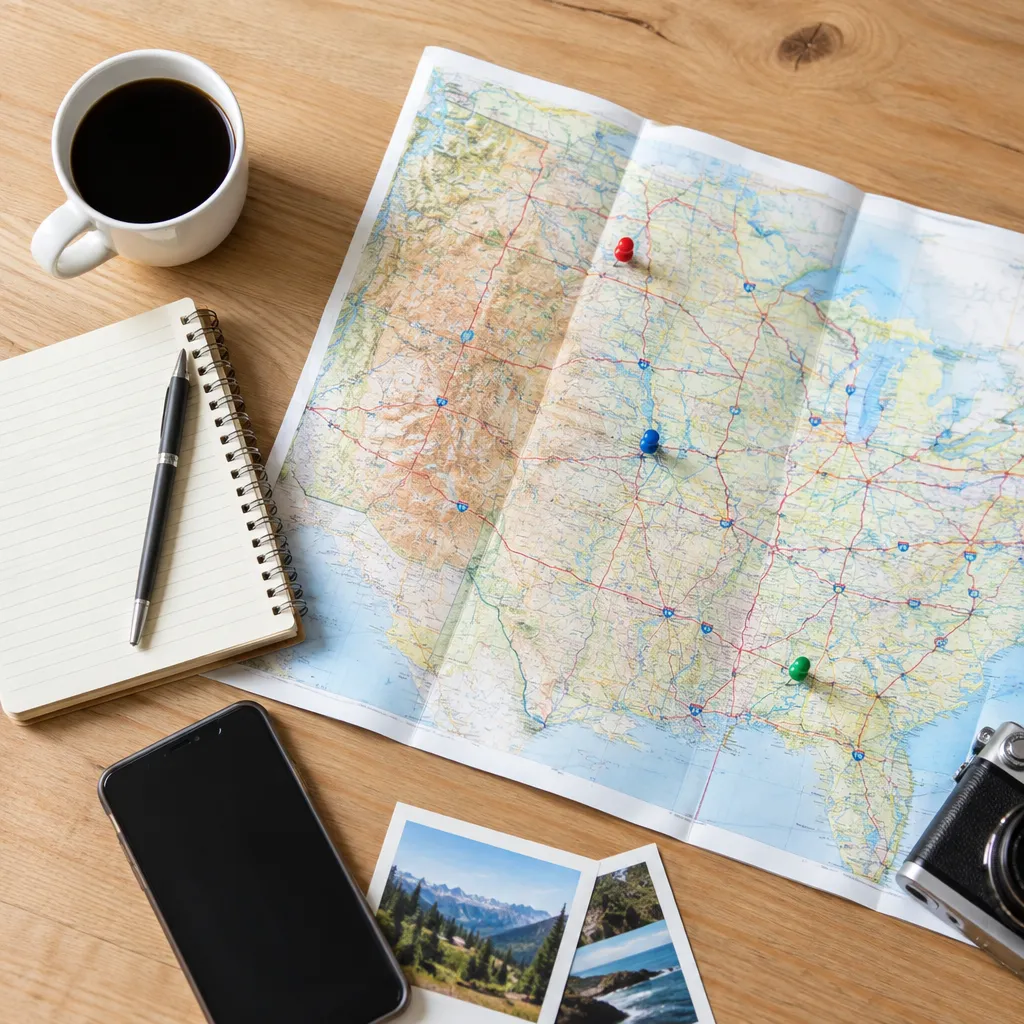
1. Set overnight anchors before adding attractions
Choose where each day begins and ends before dropping attractions onto your road trips map. Overnight anchors create a real framework for the route and show whether a destination belongs on this trip or needs more time.
Add hotels, campgrounds, or likely overnight towns first. Then check nearby attractions using Explore US Now’s destination guides and keep each day connected to its sleeping location.
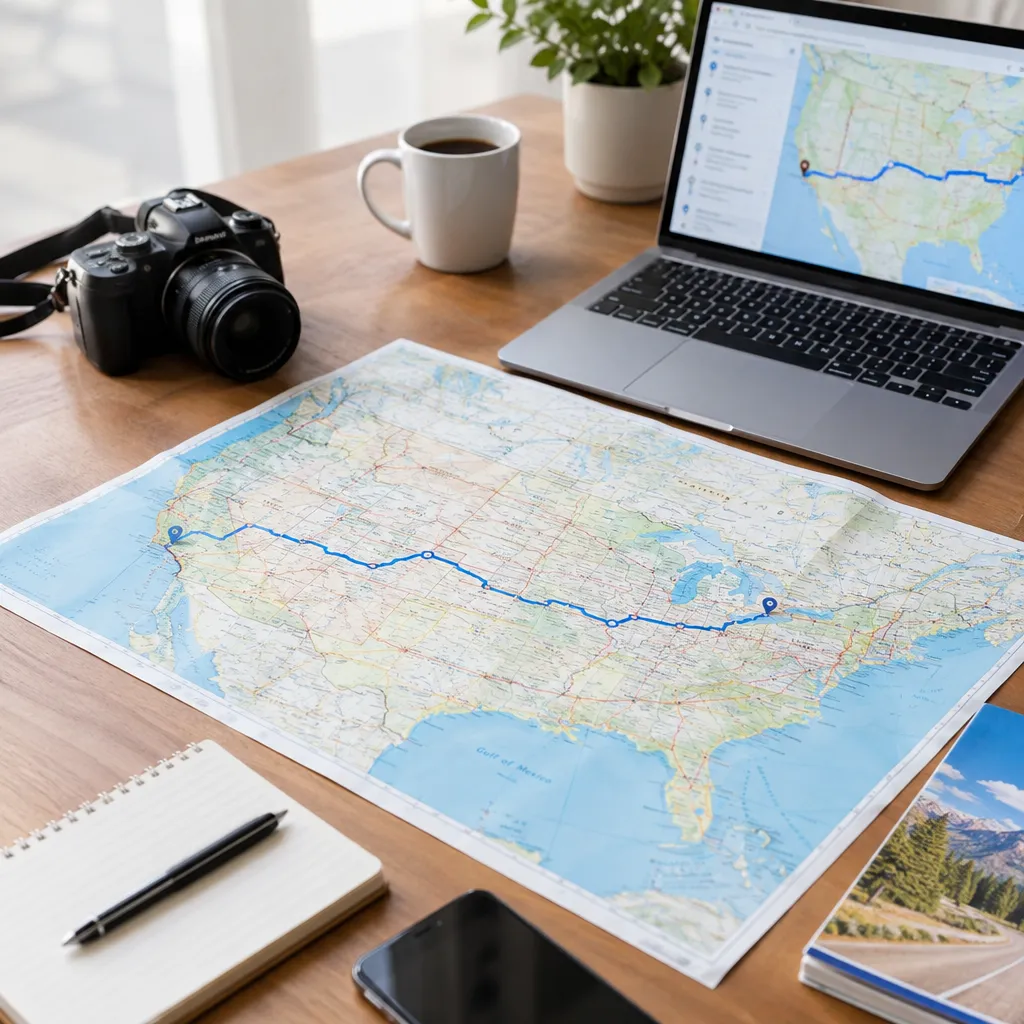
2. Measure drive time with a road trips map
Measure the route between overnight anchors, not just the total trip distance. Leave room for traffic, restroom breaks, photo stops, charging, weather, and slower roads that a simple estimate may overlook.
A road trips app can help you compare routes, but do not treat its fastest estimate as your schedule. For deeper context about places along the way, combine the map with focused online travel guides.
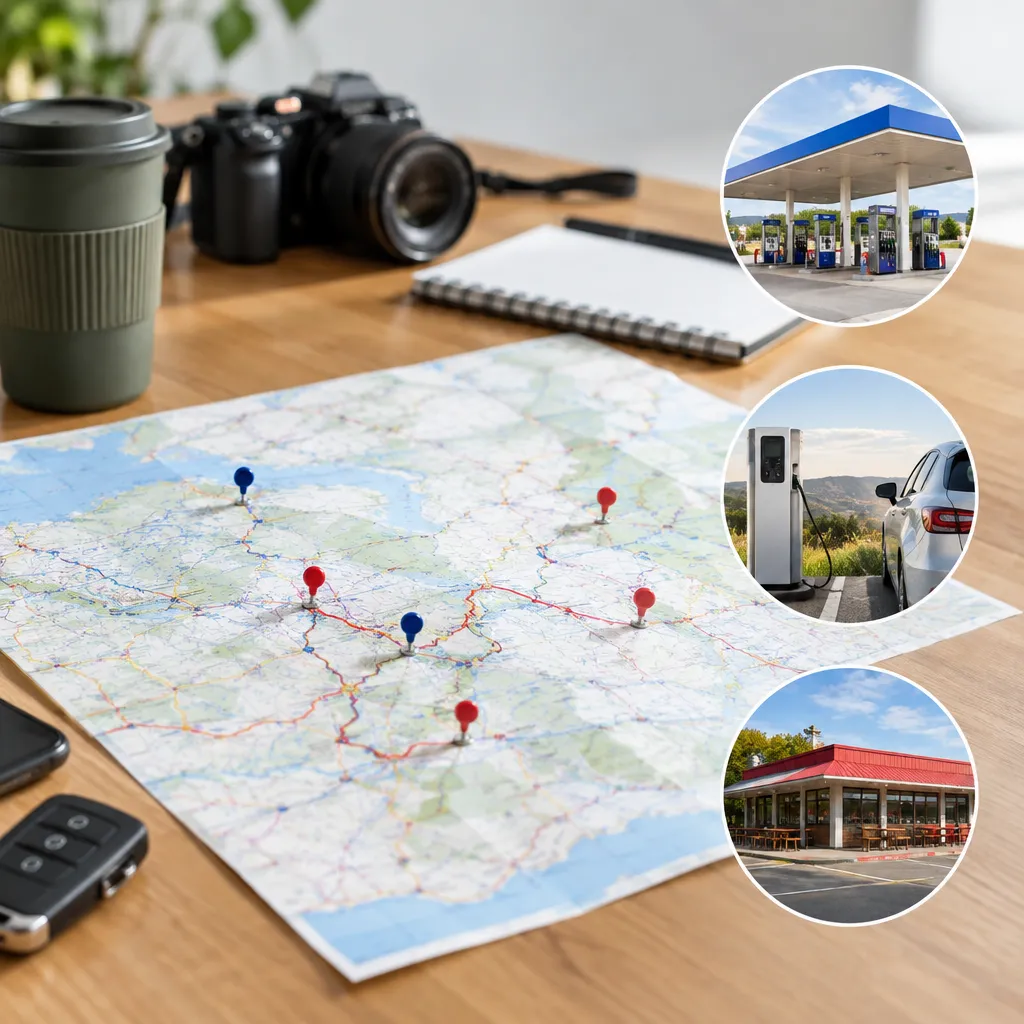
3. Add fuel, charging, and meal stops
Place fuel, charging, food, and restroom stops on the map before finalizing a remote or unfamiliar stretch. Record a practical stop before a long gap rather than assuming the next town will have everything you need.
For electric vehicles, confirm that charging locations suit your vehicle and route. For any vehicle, keep the plan flexible: a listed stop may be busy, closed, or unsuitable when you arrive.
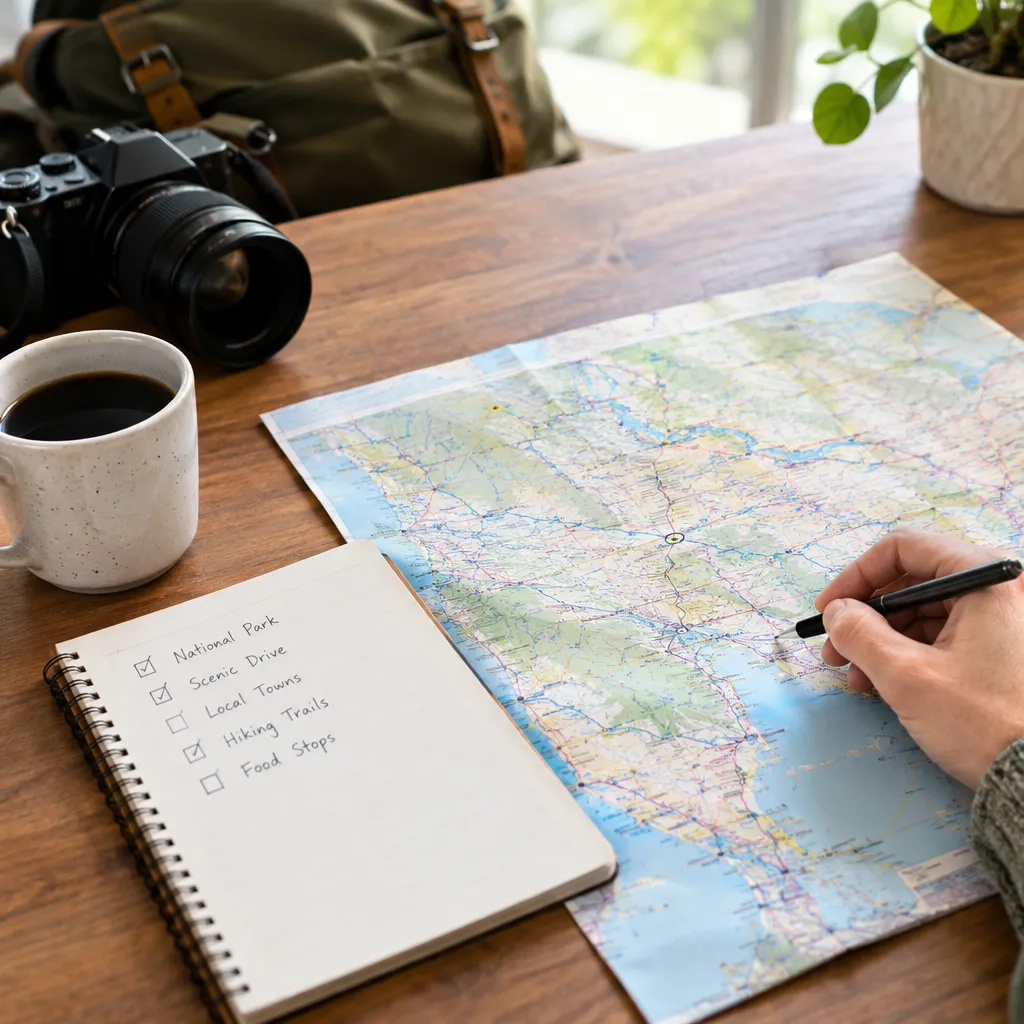
4. Choose stops that match the day’s priority
Give each travel day one main purpose, such as reaching a park, exploring a historic town, or enjoying a scenic drive. Add only a few supporting stops that fit the same direction.
Use online travel guides for US trips to find history, culture, nearby attractions, and quirky stops without turning the route into an exhausting checklist. Your road trips app should show the route; your research should explain why a stop earns time.
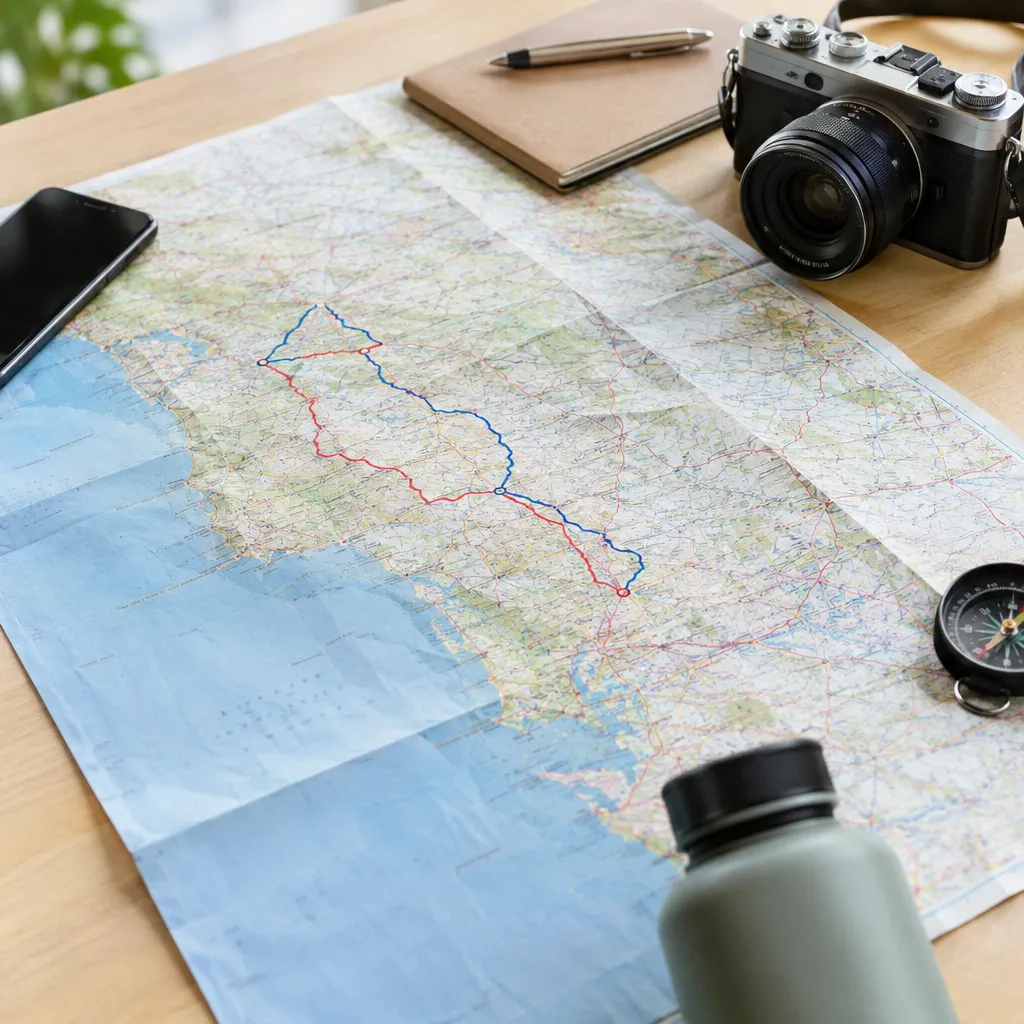
5. Build a backup route for every long day
For each demanding day, save an alternate overnight town, a shorter driving option, and at least one substitute attraction. This protects the itinerary if a road closes, weather changes, a reservation is missed, or everyone needs an earlier finish.
A useful road trips map should show both the preferred route and the sensible fallback. An itinerary planning guide can help you turn pins into manageable driving days rather than an attractive but unrealistic line.
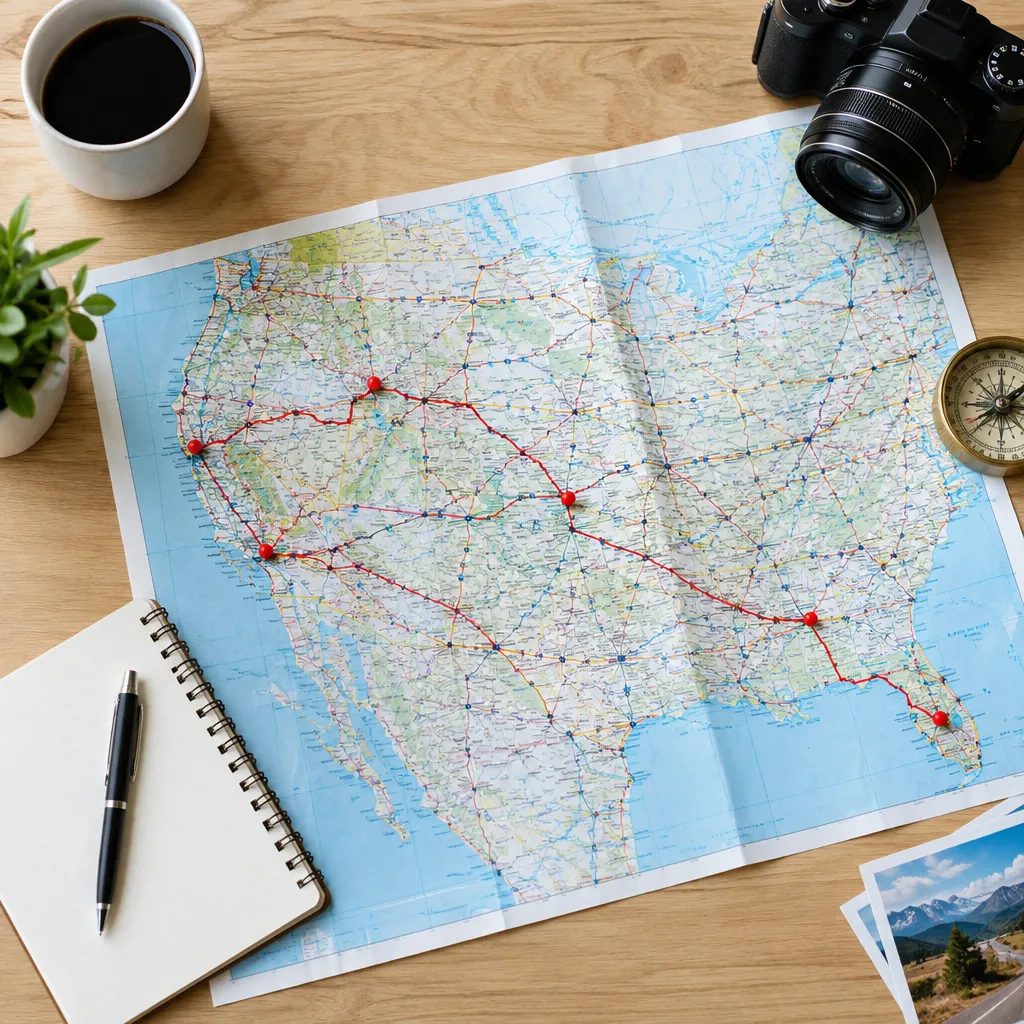
6. Check the map for exhausting route mistakes
Review the finished route for repeated roads, unnecessary backtracking, late arrivals, and stops that require perfect timing. Look especially closely at mountain roads, remote stretches, major-city traffic, and days that combine long driving with several timed activities.
Open each stop and confirm its location, access, and relationship to the route. If the plan looks full even before meals and breaks are included, remove stops rather than hoping the day will run perfectly.
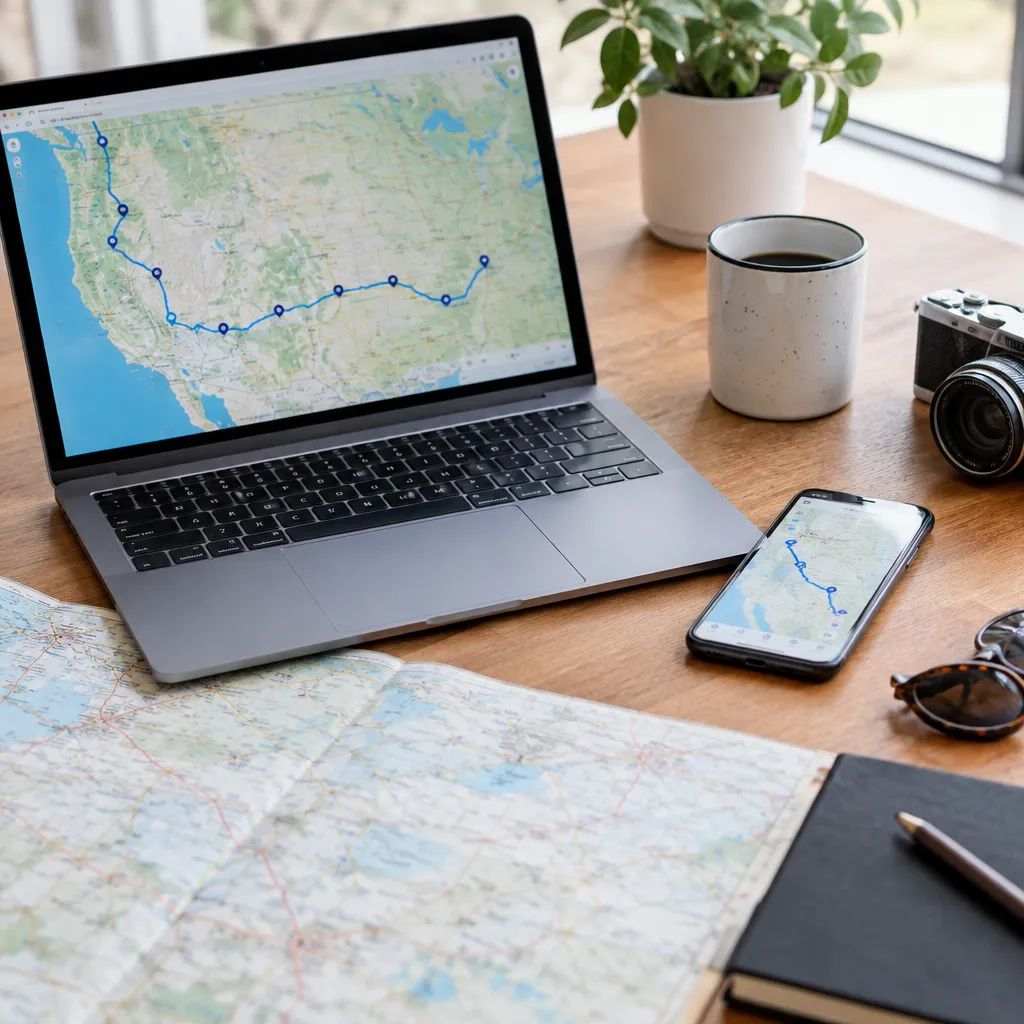
7. Save, share, and test the route before departure
Save an offline map or another accessible copy, then share the itinerary with everyone traveling. Include overnight addresses, key stops, backup options, and notes about reservations or opening times.
Test the route in the road trips app before leaving, including any offline features you plan to use. For a wider planning process, compare the route with road-trip app features that actually help and make final destination choices with current local information.
Road Trips Map FAQ
What is the 3-3-3 rule for road trips?
The 3-3-3 rule is a flexible planning idea: drive about three hours, stop for roughly three hours, and arrive with time to settle in. Adjust it to the route and travelers.
What are the top 5 road trips in the USA?
There is no single best list for every traveler. Choose a route by matching scenery, history, parks, cities, driving time, and available days to your priorities.
How far in advance should I plan a road trip route?
Start with the route framework as soon as you know the dates, then verify roads, lodging, reservations, and seasonal conditions closer to departure.
How many stops should I add to a road trip map?
Add only the stops that fit the day’s driving time and main priority. A short list with realistic time is more useful than a crowded map of places you cannot visit.
How can I estimate fuel costs for a road trip?
Estimate total miles, divide by your vehicle’s expected miles per gallon, and multiply by an assumed fuel price. Add room for detours, traffic, and local driving.
What is the best way to use an offline map on a road trip?
Download the relevant map areas before leaving reliable service, save important addresses separately, and keep a second route record in case the app fails.
How do I share a road trip itinerary with other travelers?
Share a map or document containing daily anchors, stops, addresses, timing notes, and backups. Make sure every traveler can access it without depending on one person’s phone.
How can I check whether road conditions may change my route?
Check official transportation, weather, park, and local authority updates before each major travel day. Recheck remote roads and mountain routes shortly before departure.
Recommended next steps
Start with your overnight anchors, then build one realistic day at a time. Once the route works without its optional stops, add a small number of attractions, practical breaks, and backups that support the trip rather than overcrowding it.