
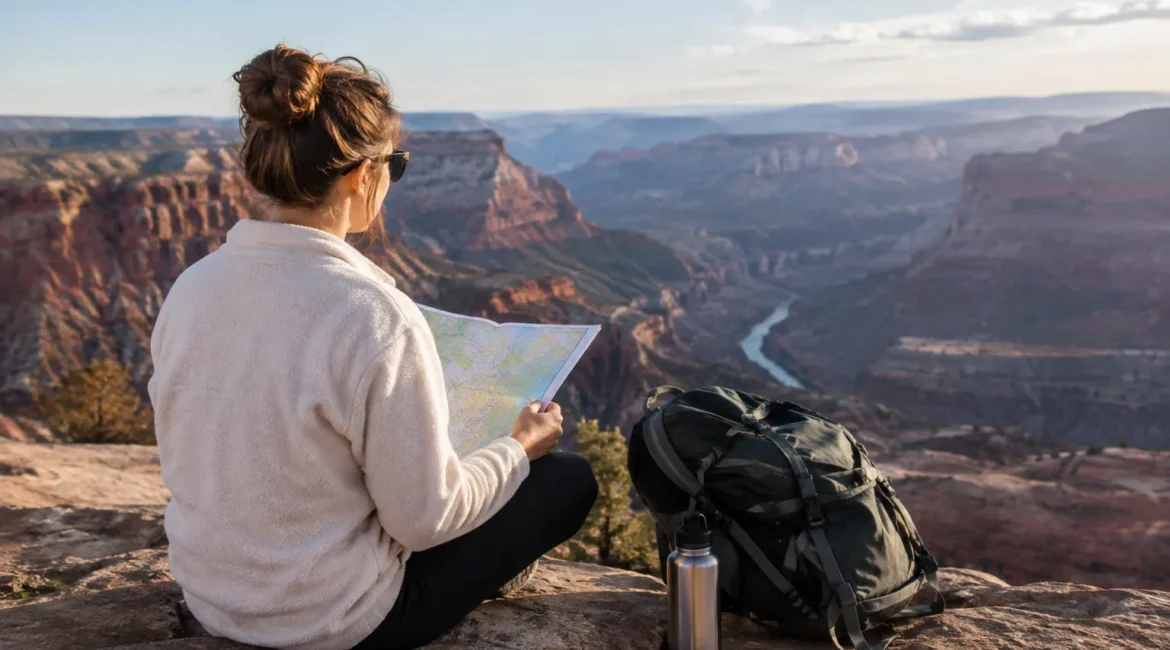
Online travel guides for planning US road trips are most useful when they help you turn a destination idea into a workable sequence of driving days, stops, and current-access checks. Use digital guides to build the route, then confirm details that can change with official sources; keep maps, print, and social posts in supporting roles.
Compare road-trip research tools at a glance
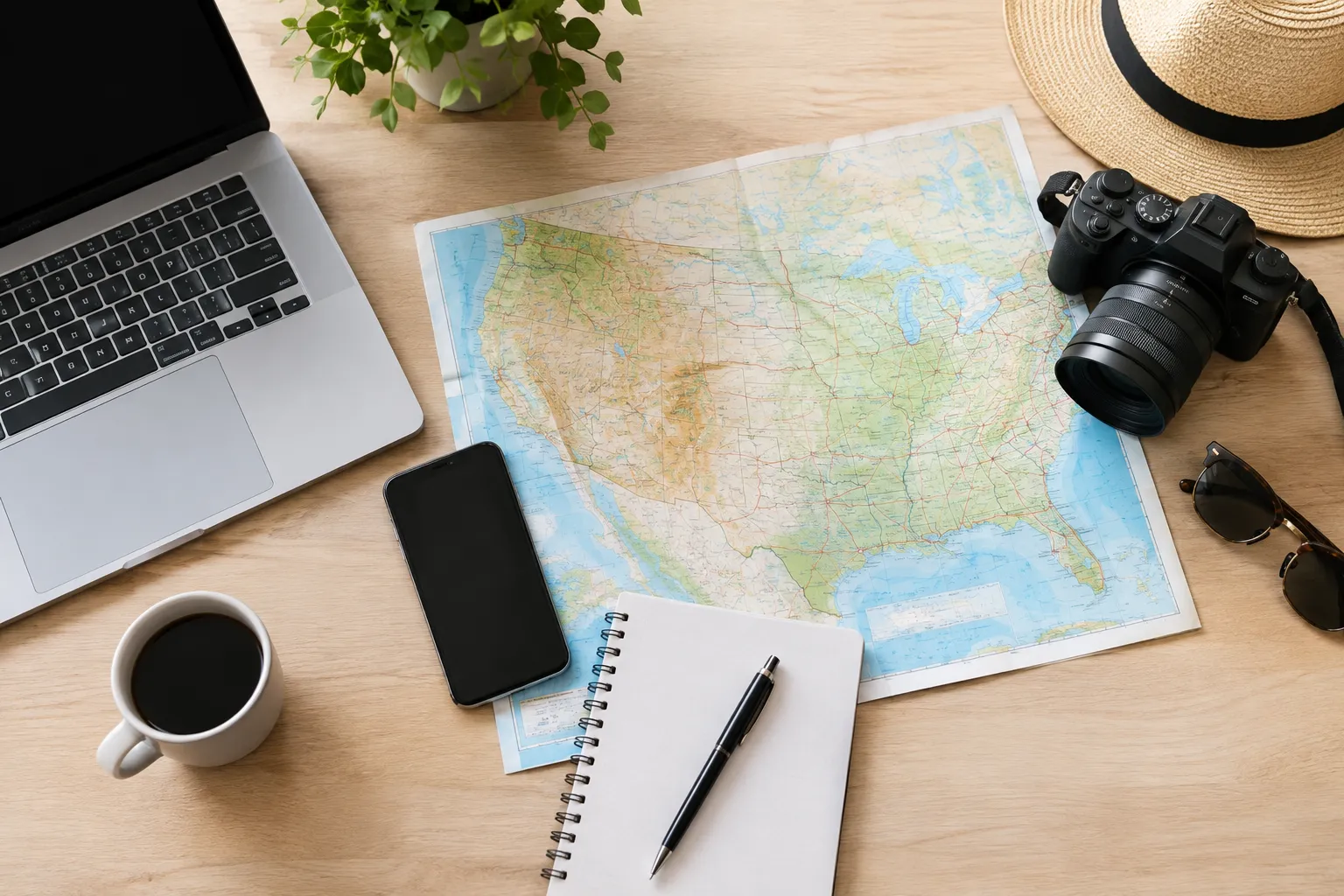
For a US road trip, use online guides to shape the itinerary, maps to check route structure, print for offline reference, and social posts for discovery—not as interchangeable sources.
| Tool | Best fit | Main strength | Key tradeoff |
|---|---|---|---|
| Online travel guides | Building a route around destinations and travel days | Can connect places with practical planning details and local context | Coverage and freshness vary by guide |
| Printed guidebooks | Readers who want a compact reference or prefer paper | Easy to browse without switching between web pages | Details may not reflect recent changes |
| Maps and a road trips app | Checking the route between planned stops | Makes the sequence of places and road connections easier to review | A map does not establish whether a destination is open or accessible |
| Social media | Finding unusual stops and recent visitor perspectives | Can surface places a broad guide may not feature | A post may be old, incomplete, or unclear about access |
A useful decision rule is to assign each tool a job. Choose one guide to shape the trip, a map or app to test the route, and an authoritative source to confirm time-sensitive access. Treat posts as leads to investigate, not permission to visit.
What online travel guides add to US road-trip planning
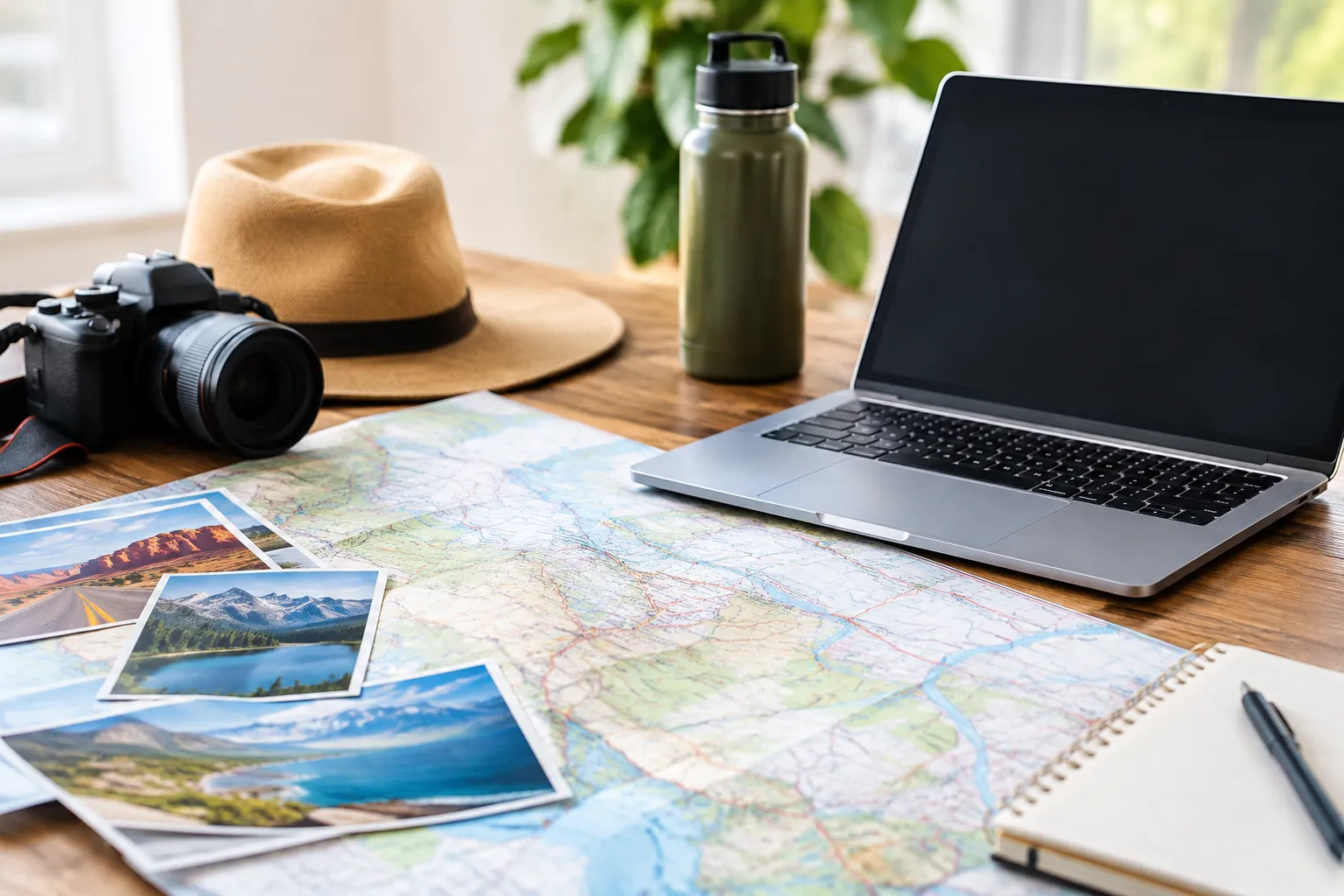
Online guides can help connect destinations, nearby attractions, and practical planning questions in one research process, but a guide’s detail and update practices should be checked before you rely on it.
Start with the scope. A national guide can help you compare broad regions, while a regional or destination guide is more useful once your route is taking shape. If the choice between a broad USA guide and a focused destination guide feels unclear, begin with the area you can realistically visit and the number of days you have. A guide that covers a smaller area may leave more room for useful route detail than one trying to cover the whole country.
Then test whether the guide supports decisions, not just inspiration. Look for a route sequence, practical stops, nearby alternatives, and context that helps explain why a place matters. For a long trip, history and local culture can add depth; for a first road trip, drive-day pacing and useful stops may matter more.
Digital format alone does not guarantee current information. Note when a page was updated if that information is shown, and independently check details that could change, such as access, reservations, fees, or closures. Explore US Now publishes travel guides, itineraries, and destination guides; browse US road-trip app features that help with planning when deciding which planning functions you need.
Where guidebooks, maps, and social posts fit
Print, maps, and social media can strengthen online research when each is used for what it does well: reference, route review, or discovery.
A printed guidebook can be helpful if you want one object to browse or carry, especially when you expect limited connectivity. Its limitation is that a printed page cannot reflect a change made after publication. Use it to generate ideas or understand a destination, then verify changeable details online before leaving.
Maps answer a different question: how do the stops fit together geographically? Add your main destination, nearby alternatives, and any optional detour, then inspect whether the sequence creates a sensible day. A road trips app may also make saved stops easier to organize, but navigation does not confirm that a road or attraction is open. For a map-first planning method, see how to turn road-trip map pins into driving days.
Social posts are useful for discovering quirky stops, viewpoints, or small attractions that may not appear in broad usa guides. Before relying on a post, check a second source for the location, operating status, and access instructions. A photo or caption by itself may not establish whether a place is open to visitors or reachable under current conditions.
A repeatable way to check a route before you go
Use the same checks for every driving day: confirm the route makes sense, add stops and alternatives, research local context, then verify current conditions with an authoritative source.
This keeps a promising itinerary from becoming a string of disconnected pins. It also makes gaps visible: a day with several destinations but no checked access details needs more research before you commit to it.
Check route depth and driving logistics
A workable guide should help you assess the order of stops and identify what still needs checking, rather than leaving you with a list of attractions.
For each day, write down:
- The main destination and the reason it anchors the day.
- The route between planned stops, using a map or road trips app to review the sequence.
- One nearby alternative in case access or conditions change.
- One optional detour that you can drop without disrupting the day.
- The distance and estimated drive time shown by your chosen mapping tool, checked again close to departure.
Here is a practical example without guessing at mileage: use the National Park Service’s Mount Rainier driving itinerary as the route framework. Before setting out, transfer its suggested route and stops into your map, record the mileage and drive-time estimates displayed for your dates, and identify a nearby alternative for the main stop. Then check the itinerary’s current road-condition and seasonal-closure information. The resulting plan is specific to the route and date you enter, rather than a made-up estimate that could mislead you.
Keep a separate “must happen” list and “nice if time allows” list. If the day becomes longer than expected, this makes it clear which detour to remove without losing the main purpose of the trip. For more on choosing functions for a planning app, use this road trips app checklist.
Verify local context and current access
Use a guide for background and trip ideas, but confirm current access, fees, reservations, alerts, and preparation needs with the responsible destination authority.
For a national park visit, the National Park Service’s Plan Your Visit guidance covers planning steps, reservations, fees, alerts, and preparation. Check the relevant park information for your travel dates rather than assuming a guide’s general description settles current requirements.
For cultural context, compare a guide’s explanation with information from the destination or another credible local institution. Ask what the guide explains about the place, not only what it recommends doing there. For scenic-drive ideas, search the Federal Highway Administration’s America’s Byways directory, then check local road and access information before adding a route to your plan. Designation can help you identify a scenic route; it does not, on its own, confirm current driving conditions.
Choose the right research mix for your trip
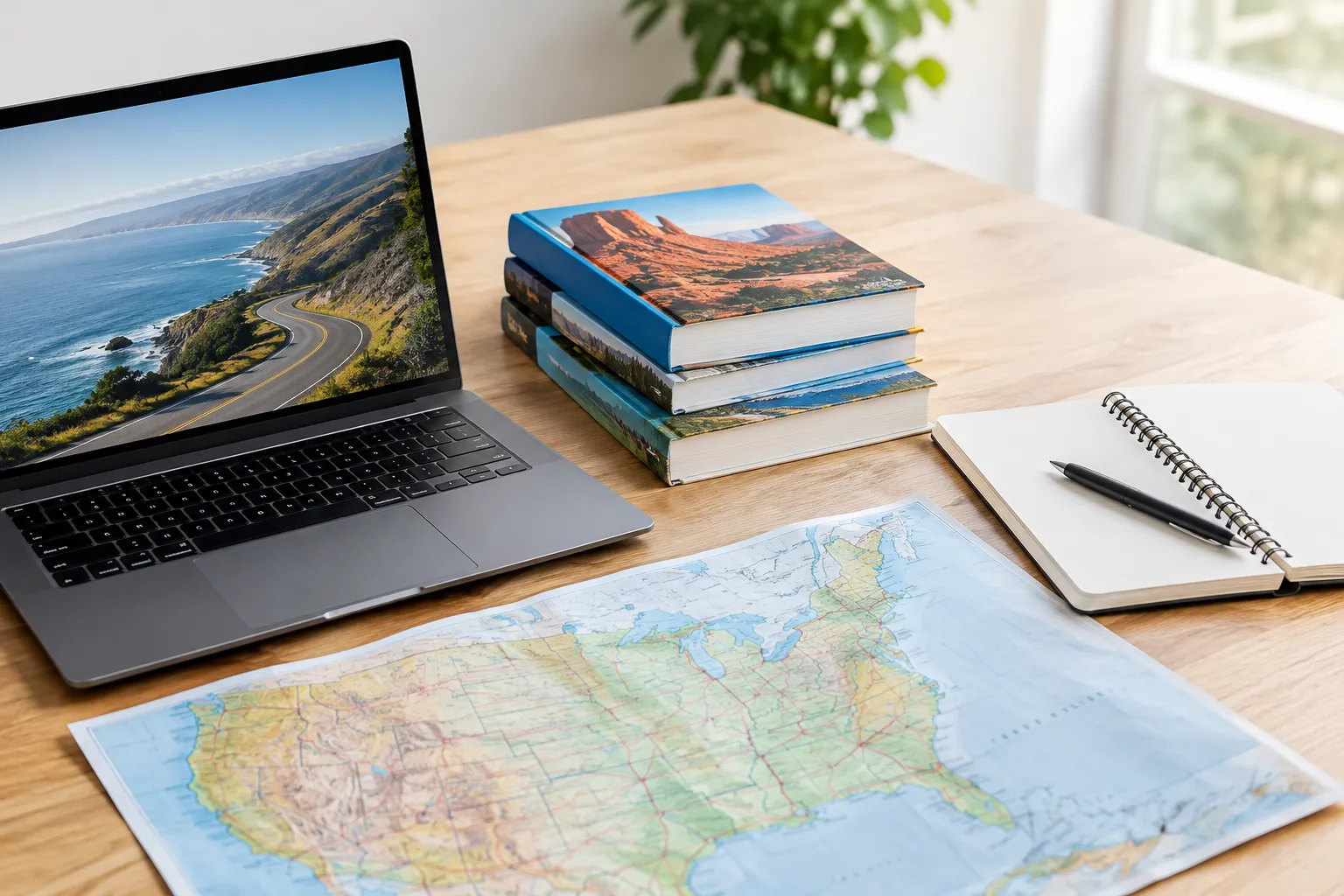
The right mix depends on what remains uncertain: use more detailed online guidance for route planning, maps for sequencing, print for offline browsing, and official updates for changeable access details.
If you have a broad idea but no route, start with online travel guides and narrow by region, available days, and the destinations that matter most. If you already know the places, use maps to test the order and identify where a practical stop or backup might fit. If you prefer paper, use a printed guide for reference while checking time-sensitive details online. If a social post sparks interest, verify the place before building a day around it.
A useful route audit is to mark each planned stop as “confirmed,” “needs checking,” or “optional.” Confirmed means you checked the relevant current source; it does not mean conditions cannot change. Revisit anything marked “needs checking” before departure. This simple status system makes it easier to see whether you have a real itinerary or only an appealing list.
Build your road-trip plan with confidence
Turn your research into a short sequence of decisions: set the trip scope, check each day, and leave flexible room for conditions that can change.
- Choose the region and trip length, then select a destination guide with a scope that matches both.
- Set one main destination for each driving day and add nearby alternatives and optional detours.
- Enter the stops into a map or road trips app, then record its current mileage and drive-time estimates.
- Check official destination information for access, reservations, fees, alerts, and preparation requirements.
- Recheck route conditions close to departure and remove any stop whose access details remain uncertain.
- Explore Explore US Now’s destination ideas and trip-planning guides for another route or destination to research.